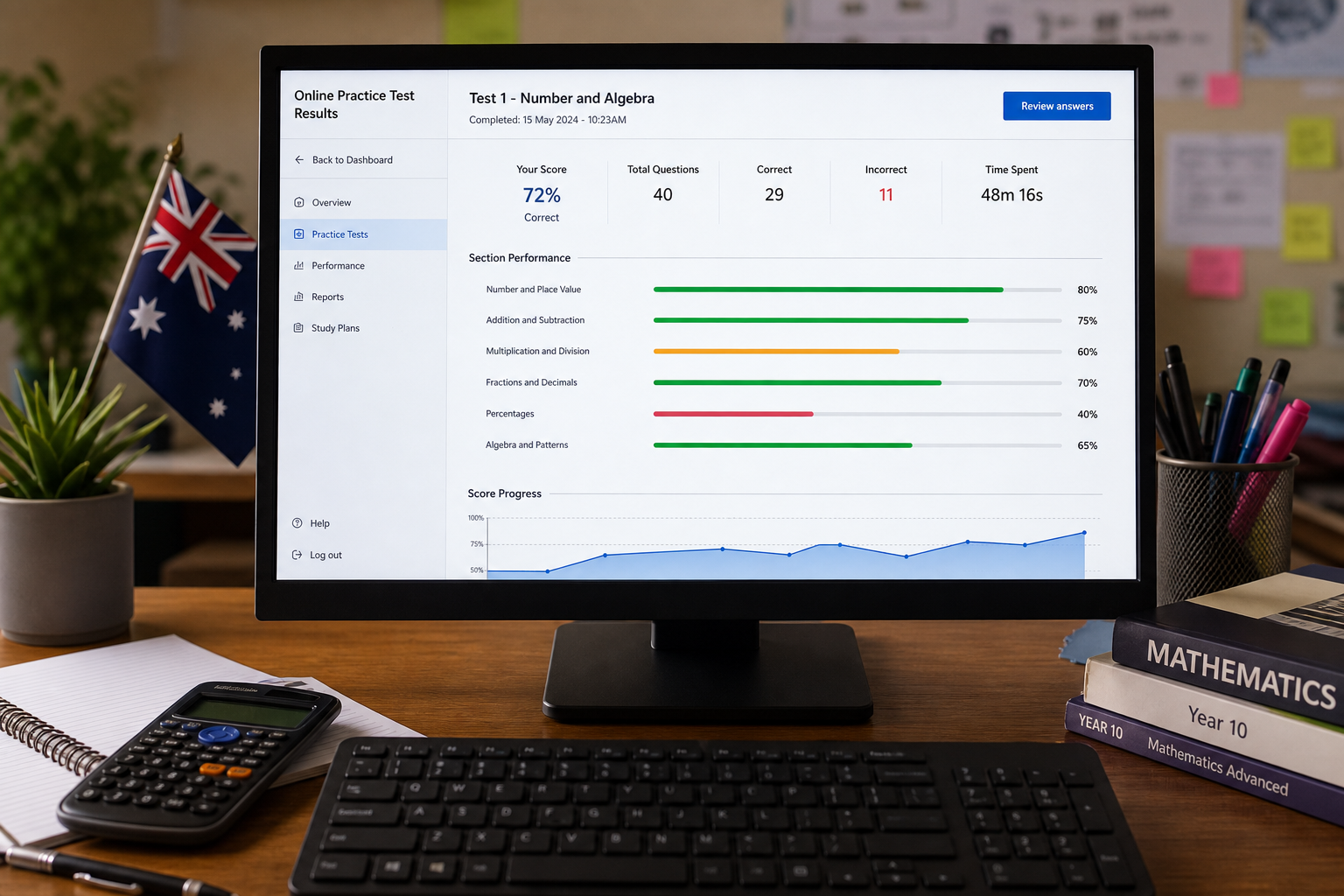

Independent study without direction tends to look productive while barely moving the needle — random worksheets, unrelated videos, and hours on screen that do not match official task formats. The H&H Academy Practice Portal exists to stop that drift: sequenced exercises, timed drills, model responses, and progress tracking aligned to your enrolled pathway.
Portal access is included with eligible programs and activated after enrolment. It supports live coaching for PTE Academic, IELTS, OET, and General English milestones with structured daily practice from Hornsby and online.
What the Practice Portal provides
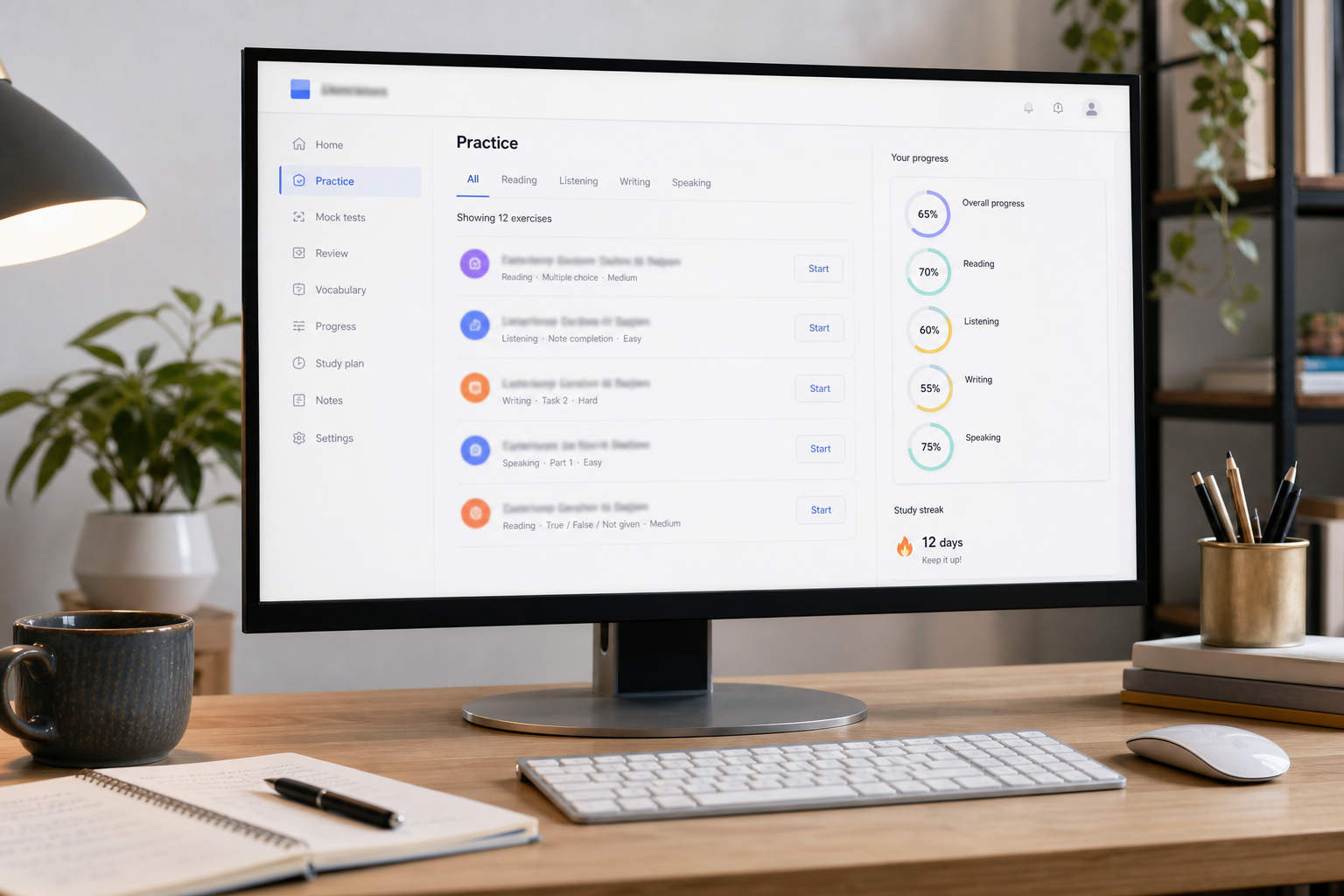
Materials are organised by exam, skill area, and difficulty level, with each unit linked to the competencies assessed in official tests. You will find item-type practice for reading and listening — multiple choice, reorder paragraphs, fill-in-the-blanks, summarise spoken text, and similar formats — plus writing prompts with annotated band descriptors, speaking task banks with preparation timers, and vocabulary modules tied to healthcare, academic, or migration contexts as appropriate.
Exercises follow a learning sequence set by your coach: foundational accuracy first, then speed under timed conditions, then integration across skills. When you complete a module, you know what capability you have practised and what comes next in the study plan agreed during enrolment.
How portal access works
Practice Portal access is included with eligible H&H Academy programs and activated after enrolment is confirmed. Your coach assigns a pathway — PTE Speaking and Writing intensive, IELTS Academic full preparation, OET Nursing, or similar — and the portal displays modules relevant to that pathway. You are not expected to navigate hundreds of unrelated files.
If you are not yet enrolled, start with a consultation. We can outline which modules apply to your goal, how often you should log in between classes, and whether your timeline allows sufficient time to work through the full sequence before your exam date.
Requesting access
Current learners receive login credentials through enrolment confirmation. To reset access, change your assigned pathway, or enquire about portal inclusion in a new program, use the portal access request form or contact us directly. Access is integrated with coached preparation so feedback and portal activity stay connected.
Request Portal AccessFeatures for accountable study
- Timed simulations — many activities replicate official time limits; repeat tasks, compare attempts, and discuss patterns in live sessions.
- Model answers and rubric guides — exemplar responses at different proficiency levels with commentary on what earns or loses marks.
- Skill diagnostics — checkpoint activities identify whether weaknesses sit in vocabulary, grammar, pronunciation, or task response.
- Mobile-friendly access — short drills on phone or tablet between commitments; longer writing and full mocks best on desktop in a quiet environment.
Alignment with your course pathway
Portal content maps to H&H Academy course pages so classroom instruction and self-study reinforce each other. PTE learners encounter integrated speaking and writing item types emphasised in Pearson's current test structure. IELTS pathways separate Academic and General modules where task requirements differ. OET learners access profession-specific scenarios and letter formats. General English participants work through workplace communication, presentation, and correspondence units without exam-specific scoring overlays unless they choose an assessment track.
Your coach may assign supplementary modules if mock results reveal a specific gap — additional summarise-written-text practice for PTE, or Task 1 graph description revision for IELTS Academic. Targeted assignment keeps effort concentrated where improvement is still available before your sitting.
Practice that mirrors test day
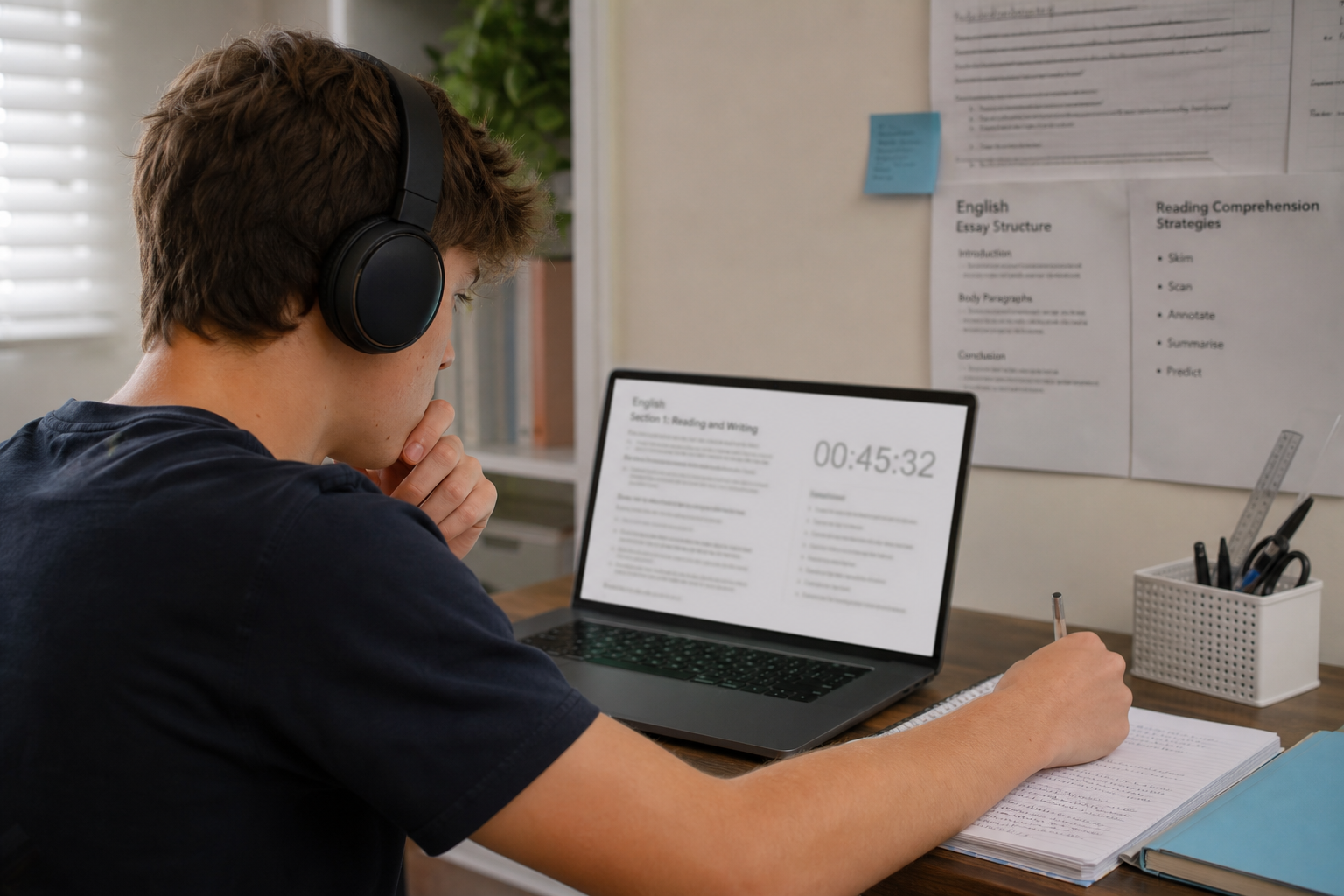
Every assigned module matches the task formats, timing, and scoring criteria you will face in your official sitting.
Using the portal effectively
Treat portal sessions as appointments. Block time in your calendar, eliminate distractions, and complete the full activity rather than stopping halfway. Note questions or recurring errors in a study journal so they can be raised in your next coaching session — coaches cannot interpret silence as mastery.
Balance matters. Portal work should not replace live speaking practice, nor should classes excuse skipping independent drills. A sustainable rhythm for many learners is several shorter portal sessions during the week plus one longer mock attempt fortnightly, reviewed with feedback. Adjust based on your coach's guidance and proximity to your test date.
Honesty matters. Some exercises allow self-marking against answer keys; others are submitted for coach review. Misrepresenting performance wastes preparation time and can lead to sitting an exam before you are ready.
Portal troubleshooting
Most access issues resolve quickly once the cause is identified. Below are common situations reported by H&H Academy learners and the steps we recommend before contacting support.
Confirm you are using the email address supplied at enrolment and check for leading or trailing spaces when pasting your password. Passwords are case-sensitive. If login still fails after one careful attempt, use the reset option on the login page or submit a request via portal access. Do not share credentials with third parties; misuse may result in suspension under our terms.
Pathways are set by your coach according to your enrolled program. If you recently changed course or intensity, modules may take up to one business day to update. Contact us with your full name and enrolment reference if the displayed pathway still does not match your current program after 24 hours.
Ensure your browser has microphone permission enabled for hnhacademy.com.au. Use a wired headset where possible and close other applications that may control audio devices. Refresh the page after granting permission. If the issue persists, note your browser name, device type, and the specific activity title, then contact us.
Stable internet is required for timed uploads, especially speaking responses. If a submission fails, note the error message and time of occurrence. Draft writing tasks in a local document first where permitted, then paste into the portal. Report failed submissions promptly so your coach can advise whether to repeat the activity.
Coach-marked tasks update after review, which may take several business days depending on submission volume. Auto-marked drills usually update within minutes. Clear your browser cache and reload if completed activities still appear pending after 24 hours.
For issues not covered here — locked accounts, payment-related access delays, or accessibility adjustments — contact H&H Academy via Contact Us or Request Portal Access. Include your enrolled program, a description of the problem, and any error text displayed. We aim to respond within two business days during standard operating hours in NSW.
Next steps
If you are already enrolled, log in using the credentials provided and begin with the welcome module assigned to your pathway. If you are exploring H&H Academy for the first time, review our courses, read practical guidance on our blog, or submit an enquiry to discuss your goals.
Request Portal Access Book a Consultation